WebP to JPG Converter
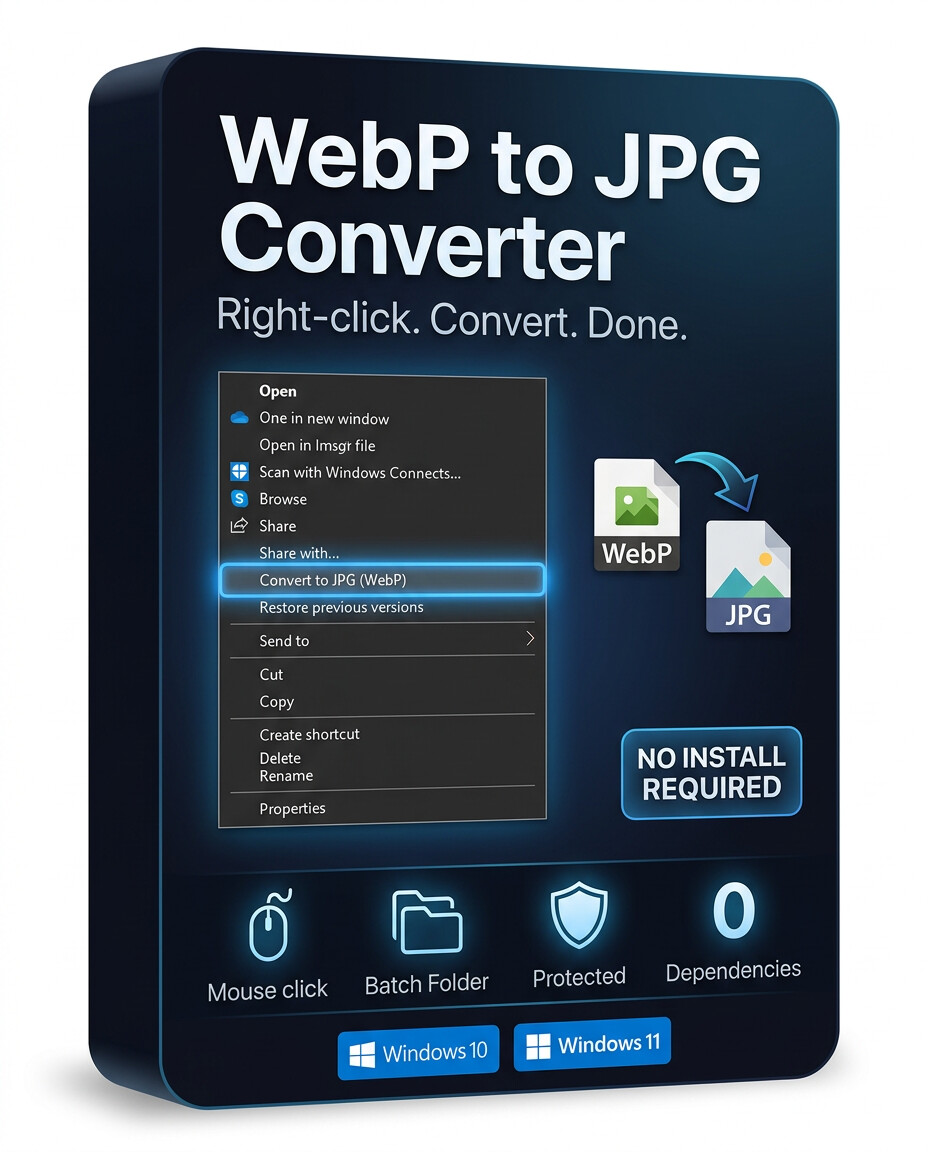


A lightweight Windows context menu tool that converts .webp images to high-quality .jpg files instantly — directly from File Explorer.
No app launching. No complicated UI. Just right-click and convert.
FeaturesOne Right-Click ConversionConvert WebP images directly from the Windows context menu.
Works on:
- Single files
- Multiple selected files
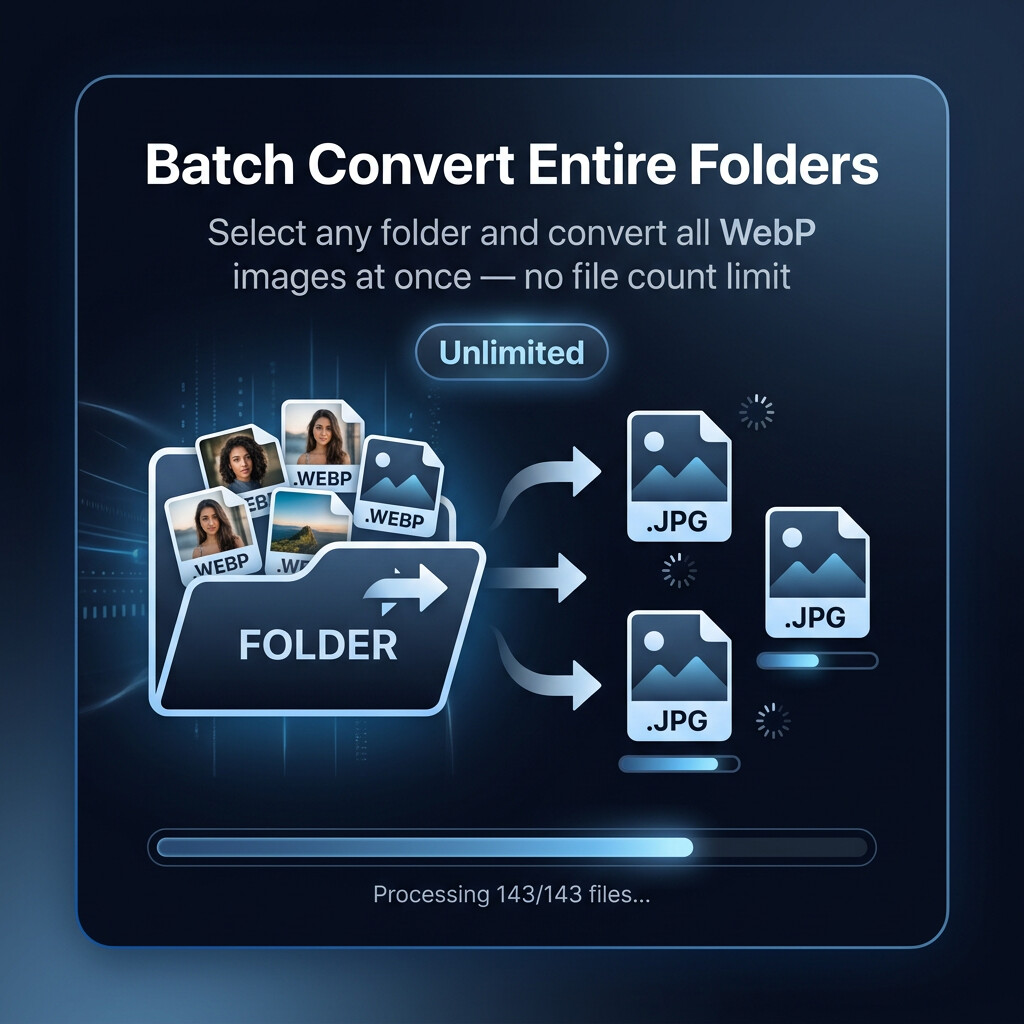
- Entire folders
- Nested subfolders
Convert unlimited numbers of WebP images in one operation.
Perfect for:
- Download folders
- Asset libraries
- Website image exports
- Bulk image cleanup
Source files are never modified.
Converted JPGs are automatically saved into a dedicated converted subfolder for clean organization.
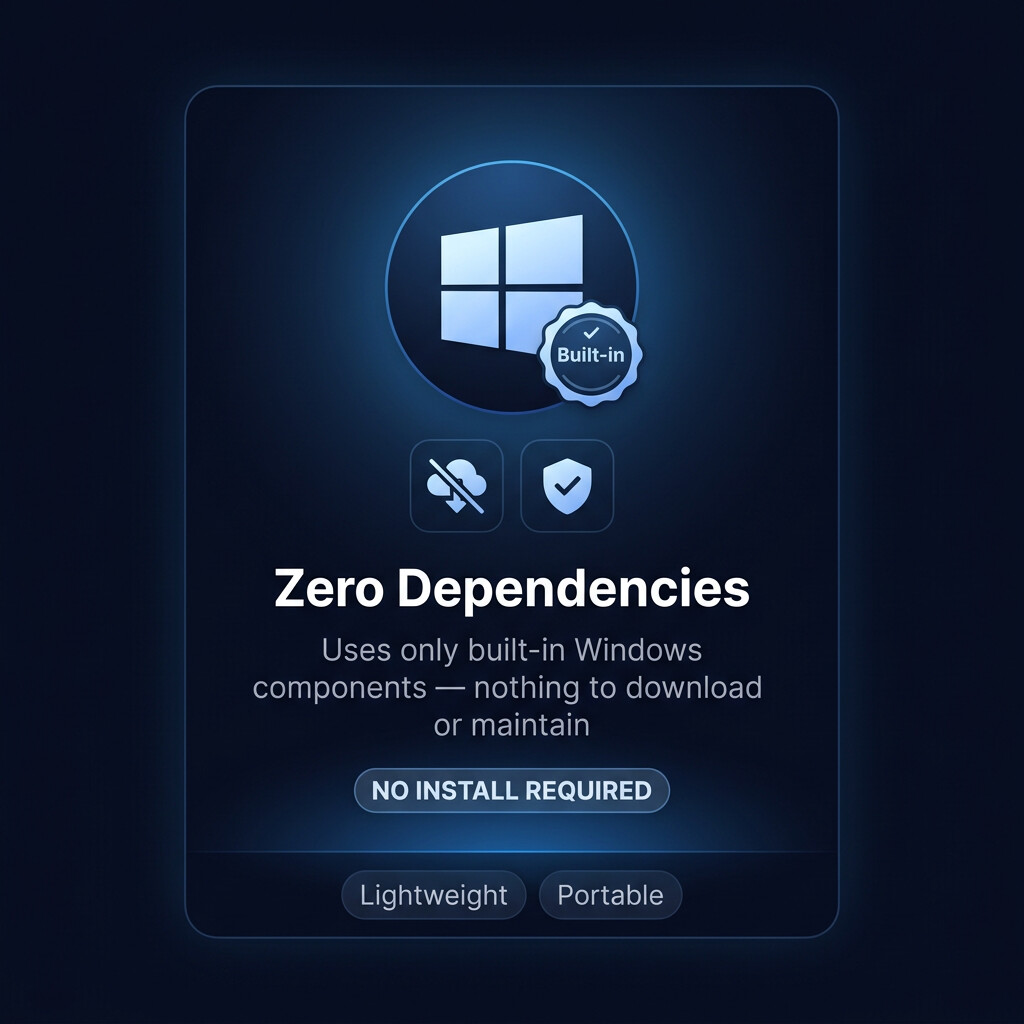
Zero DependenciesNo external software required.
Runs using built-in Windows components with no additional installs, runtimes, or maintenance.
Portable & Lightweight- No installer required
- Minimal system footprint
- Fast startup
- Easy to share between machines
Most WebP converters require opening a separate application, dragging files around, or uploading images online.
This tool integrates directly into Windows Explorer so conversion becomes part of your normal workflow.
Right-click → Convert → Done.
Ideal For- Designers
- Artists
- Developers
- Content creators
- Photographers
- Anyone working with downloaded WebP images
- Windows 10
- Windows 11
- PowerShell 5+
- High-quality JPG export
- Optimized 95% JPEG compression
- Clean file naming
- Preserves original images
- Convert images downloaded from websites
- Prepare textures for software that doesn't support WebP
- Bulk-convert image libraries
- Create JPG-compatible uploads for older platforms
- Simplify image workflows for non-technical users
- Right-click a WebP file or folder
- Choose Convert to JPG
- Converted images appear automatically in the output folder
That’s it.
Key Benefits- Fast
- Simple
- Offline
- Free & open
- No setup headaches
- Built for everyday Windows workflows